How to Organize a Home Office: 7 Changes That Double Your Focus
What you can organize on your own in a home office, and when the clutter is structural and needs a professional method. Practical examples from a personal organizer who works with home offices in São Paulo.
Neste guia você verá:
The desk was organized on Monday. By Friday, it had gone back to its previous state: stacked papers, tangled cables, a coffee mug taking up the space meant for the planner. You reorganize, it lasts a few days, and the cycle starts over. At some point, the obvious conclusion seems to be that you simply "are not an organized person."
In most of the home offices I have organized in São Paulo, the problem was not a lack of discipline. It was a system that did not fit the person's type of work, or a layout that generated clutter structurally, regardless of effort. This is not just an impression: the link between organization and productivity has scientific backing, from the neuroscience of attention to the quality of decisions.
Before hiring professional help or buying more organizers, it is worth understanding what you can solve on your own, and what will probably stay the same until someone sees the space from the outside. If what you need is the whole room, from choosing the spot in the floor plan to upkeep, the home office organization guide covers it end to end.
The sign that the problem is the system, not you
If you have organized the space more than three times in the last 12 months and the result never lasted, the problem is not discipline: it is the system. Specifically, a layout that generates clutter structurally, a workflow that was never mapped, or a space adapted for convenience without considering actual use.
A few patterns signal that the home office clutter is structural, not a matter of habit:
- You have organized the space more than three times in the last 12 months and the result never lasted;
- The desk fills up again the day after a full cleanup;
- You know where things should go, but they never end up there;
- You work with different types of material (physical, digital, equipment, samples) and no setup accommodates all of them at once;
- The space was set up out of convenience: leftover bedroom space, a corner of the living room, and it never really worked.
If one or two of these apply, there is probably something to adjust in the system before buying more storage boxes. If all of them apply, the problem is very likely layout and workflow, not cleaning.
What you can solve on your own
There is a set of home office problems that anyone can fix in a few hours and without significant cost. If your space still lacks these, start here.
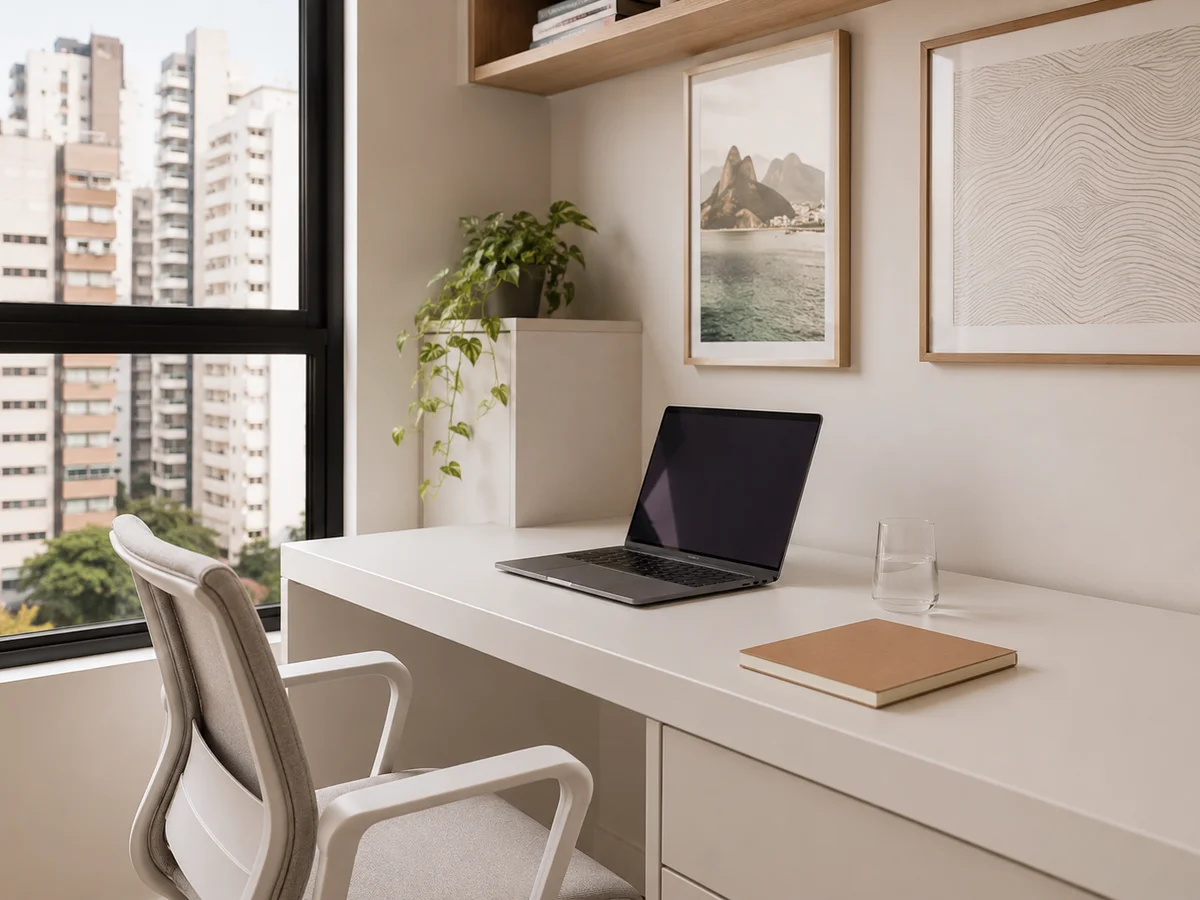
A clear desk: what stays and what goes
The principle is simple: only what you use today stays on the desk. Not what you might need "someday," not the decor you like, not the documents from a project that ended last month.
- Computer or laptop, plus an external monitor if needed
- External mouse and keyboard, if you use them
- One notebook or notepad (just one)
- One pen (the rest goes in the drawer)
- A glass of water
- Headphones, if you use them often
Papers with no assigned project, disconnected cables, loose office supplies, excess decorative objects: all of it comes off the surface. That does not mean throwing it away; it means finding a fixed place that is not the desk.
Cables: two hours that transform the space
Tangled cables are one of the biggest visual and functional culprits in a home office. Disconnect everything first; only then decide what needs to stay connected.
- Adhesive cable clips on the back and side of the desk to guide the wires
- A centralized USB hub to reduce the number of loose cables
- Each cable labeled with a tag or colored tape
- A wall cable channel for wires running from the floor to the desk
- Rarely used cables in a labeled pouch inside the supply drawer
What clutters the desk is not always sitting on top of it.
In an 86-square-foot home office in Itaim Bibi, the client had reorganized her desk four times in eight months. Each time it lasted two weeks. When I arrived, I counted 9 cables on and under the desk, 3 USB hubs, and a connected charger she could not identify. She told me she thought it was her own laziness keeping the space untidy. We disconnected everything, discarded 4 cables from devices she no longer owned, and installed cable clips on the back of the desk, with a single central hub and every cable labeled with colored tape. Two hours of work. Five months later, she had not needed to reorganize once. A cable with no identity is almost always from a device you already threw away.
Simple physical filing
Papers with nowhere to go are the second biggest cause of a cluttered desk. A three-folder system solves it:
- Immediate action: documents that need a response or action this week;
- In progress: documents from active projects you will need to reference;
- Archive: finished documents you need to keep but will not access often.
Anything that does not fit one of these categories gets discarded or digitized. A paper with no category has no place on the desk.
Digital organization
A desktop full of icons and a "Downloads" folder that became a permanent archive create the same cognitive stress as a disorganized physical space.
- A digital desktop with no more than 10 icons: the rest goes into folders
- A folder system by project or area, not by date
- Consistent file naming: Project_ClientName_Date
- Monthly Downloads cleanup: a folder that piles up unchecked
- Automatic backup set up
The shutdown ritual
Without physical separation between work and home, the brain does not switch off. Avoid working from bed or the couch; those spaces need to stay associated with rest. What creates real separation:
- Start-of-day ritual: turning on a specific light, making coffee, sitting in the work chair: physical cues that tell the brain "work mode."
- Shutdown ritual: closing every tab, putting the laptop away (or covering it), writing down tomorrow's three tasks, turning off the work light.
- A door that closes, if possible: a physical barrier is the most effective option. Without a door, a divider or bookshelf marks the space visually.
When the problem runs deeper
There are cases where reorganizing on your own fixes the symptom but not the cause, and the space returns to the same state within weeks. These are the cases where a personal organizer makes a real difference.
The layout does not fit the type of work
Someone who works only with a computer has very different needs from someone who handles physical papers, samples, photography equipment, or design materials. A home office set up without considering the actual workflow will generate clutter structurally, not from a lack of organization but because the space was designed for a different kind of activity.
In many sessions, the problem was easy to spot from the outside: the printer sat on the opposite side of the room from the desk, so every printed page traveled across the whole space. The fix was not more boxes; it was moving the printer.
The space was adapted, not planned
A living room bookshelf turned into an improvised office. A bedroom corner where a treadmill used to sit. A closet with the door removed. These spaces can work, but they almost always need an outside eye to spot what is blocking the workflow.
More than one person uses the same space
Two adults working in the same room, or an adult and a child doing homework there, create conflicts of use that individual systems cannot solve. Zones, schedules, and physical boundaries need to be planned together.
You have tried several times and it never lasted
If you have reorganized the space more than three times and the result always disappears within weeks, it is probably not the method that is wrong: the system was never built for your actual workflow. A professional reorganization observes how you really work, not how you imagine you work.
A home office that works is one designed for your type of work, not for a generic office.
See the home office service →The zone principle: how to divide the workspace
Split the home office into four zones: focus (a clear desk with only what you use today), reference (shelves with books and files you consult but do not use daily; if your home office reference zone has turned into an entire unsystematic library, it is worth reading the guide on organizing books at home), supplies (a drawer with office materials and cables), and inbox/outbox (a tray for documents that arrive and need to be processed).
Whether you solve this on your own or with help, understanding the zone principle helps you diagnose what is wrong in your current home office. Each zone groups what you use together:
Focus zone (the work desk)
The area where you produce. It should be the cleanest and least cluttered. On the desk: only what you use today. Anything unrelated to the current project comes off the surface.
Reference zone (shelves and files)
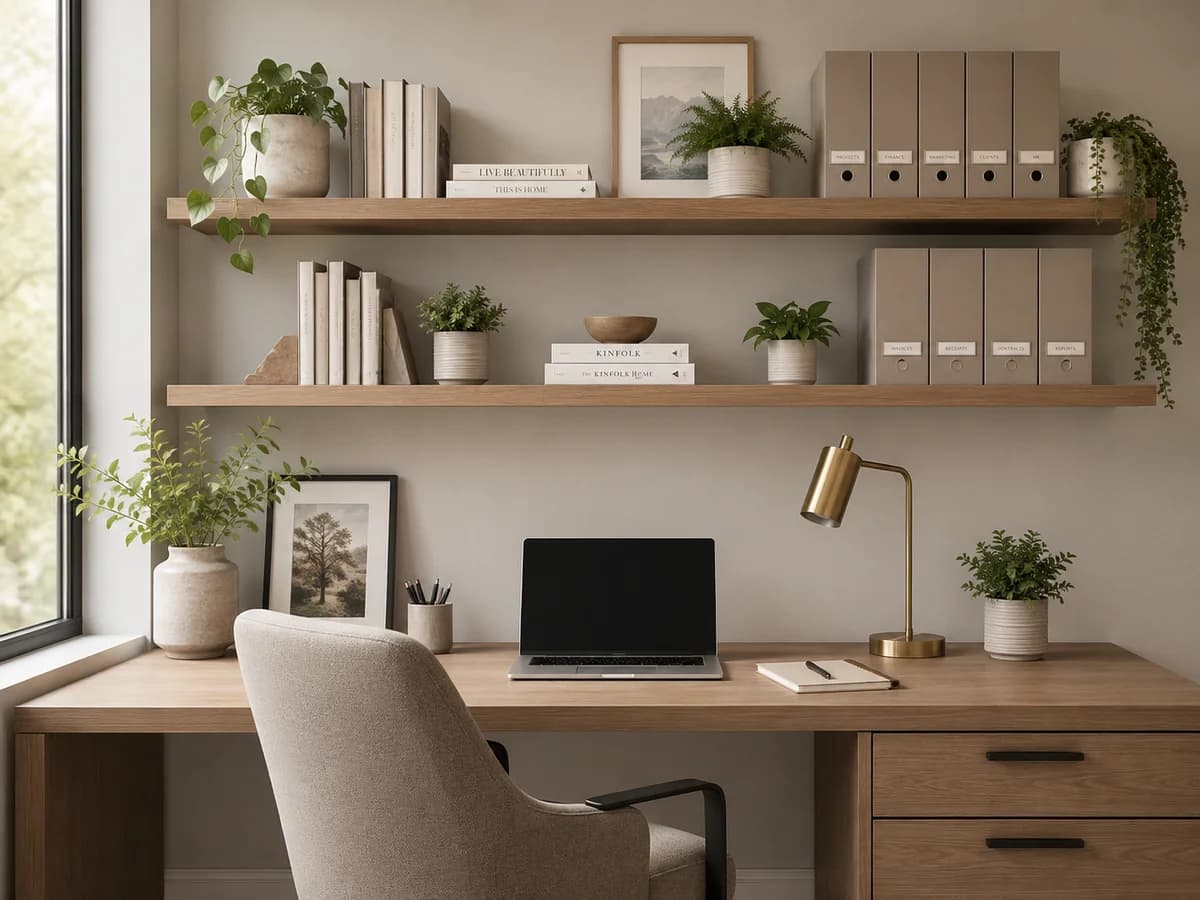
Books, manuals, folders, and materials you consult but do not use all the time. They should be organized, labeled, and accessible, but not on your desk.
Wall shelves are the best solution: they free up the floor and the desk, stay within your field of view, and create visual order even when full.
Supply zone (drawer or cabinet)
Pens, sticky notes, paper clips, staplers, loose adapters: everything you use occasionally but do not need in sight. Kept in drawer dividers, not thrown together.
Inbox/outbox zone (a tray on the edge of the desk)
Documents that arrived today and need to be processed live here, not scattered across the desk. An "in" tray and an "out" tray solve the problem of papers sitting on the desk with nowhere to go.
Six reorganizations in two years, all reverting within weeks. The printer was in the wrong place.
In a 129-square-foot home office in Campo Belo, a photographer called me after six attempts at organizing it in two years. Each reorganization lasted three to four weeks. I watched the space in use and understood the problem within five minutes: the printer sat on the wall opposite the desk. Every time she printed a contract, she walked across the room, came back, and left the page on the desk because there was nowhere else to put it. The papers piled up. Her external hard drives, memory cards, and camera cables sat in the same drawer as ordinary office supplies. We redesigned the layout: printer next to the desk, an equipment shelf on the left, hard drives labeled by project with color-coded tags. In three months, she never had to reorganize once. She told me it was the first time in two years the space felt like it was working with her. Moving the printer two feet was the only reorganization that lasted.
Physical filing and digitization
Original documents that need to stay physical: signed contracts, identity documents, proof of authenticity, certificates. Everything else can be digitized with a scanner app on your phone (Adobe Scan or Microsoft Lens do it in seconds) and discarded physically.
The practical test: if you needed that piece of paper in 6 months and it were gone, what would happen? If the answer is "a minor inconvenience," digitize it and discard it. If the answer is "a serious problem," keep the original.
Home office in a small or shared space
Not everyone has a dedicated room for work. The solutions that work best in limited spaces:
- Wall-mounted folding desk: takes up zero space when closed and becomes a full workspace when open;
- Closet converted into a home office: a deep closet with a shelf at desk height works as a workstation and closes when not in use;
- Rolling organizer cart: bring it to the work area and push it into a corner at the end of the day, creating separation without needing dedicated space;
- Headphones: in shared spaces, headphones mark the acoustic boundary of focus and signal to whoever you live with that you are working.
Two adults in simultaneous calls in the same living room corner. Protocol matters more than layout.
In an 807-square-foot apartment in Pinheiros, a couple worked from home in a 32-square-foot living room corner. He at the desk, she on the couch with her laptop. Simultaneous calls every week, their belongings mixed together, no physical separation at all. They told me they felt like they were invading each other's space all day. The apartment had no room for a second home office. We marked the boundary with a low bookshelf as a visual divider. We set up a rolling cart for her things, which she pushed into the corner at the end of the day. We established a protocol: headphones on means a call is in progress, no interruptions. Within four months, the two of them work in the same space with no conflict. She messaged me three weeks later to say it was the first week without negotiating who sat where. In a shared space, what both people need to define is the protocol: who uses what, when, and what "do not interrupt" means.
Frequently asked questions about home office organization
How do I organize a home office in a small space?
Use verticality: wall shelves, a monitor stand to free up the desk, and hanging organizers. Keep only what you use every day on the desk. Fewer items in sight means more perceived space and more focus.
What should stay on a home office desk?
A computer, mouse, keyboard, one notebook, one pen, and a glass of water. Everything else goes in a drawer or on a shelf. A clear desk means a focused mind.
How do I organize home office cables?
Use adhesive cable clips, a centralized USB hub, labels on each cable, and wall cable channels. Start by disconnecting everything and discarding cables from devices you no longer own. Two hours organizing cables completely transforms the look and function of the space.
How do I separate work from personal life in a home office?
Create physical rituals to start and end the workday. If possible, use a door that closes. If not, a divider marks the space. The brain needs physical cues to switch modes. Discipline alone is not enough.
Is it worth hiring a personal organizer to organize a home office?
It is especially worth it when the clutter is not just visual: when there is a layout problem, a workflow problem, or a mismatch between the space and the type of work. In those cases, reorganizing on your own tends to produce the same problem in a different configuration.
If you have already tried reorganizing the space a few times and it always ends up back where it started, you can request a professional assessment before buying new furniture or organizers.
A functional home office with professional organization
Layout, workflow, and a filing system: Silvana organizes the space with a focus on productivity and easy upkeep.
Talk to Silvana →
About the author
Silvana Santanna →Personal Organizer in São Paulo, specialized in residential move organization and functional organizing projects for homes, closets, kitchens, trousseaux and home offices. Creator of the Casa Pronta™ Method, with more than 100 projects completed across São Paulo and the greater metro area.
Related posts

How to Let Go of Belongings Without Guilt: 5 Practical Questions to Decide
12 min · Read article →

How to Hire a Personal Organizer in São Paulo (Without Regretting It)
9 min · Read article →
Organizing a Rented Apartment: Solutions With No Drilling and No Cabinetry
12 min · Read article →
Ready to have your home organized
without lifting a finger?
Project assessment visit.